
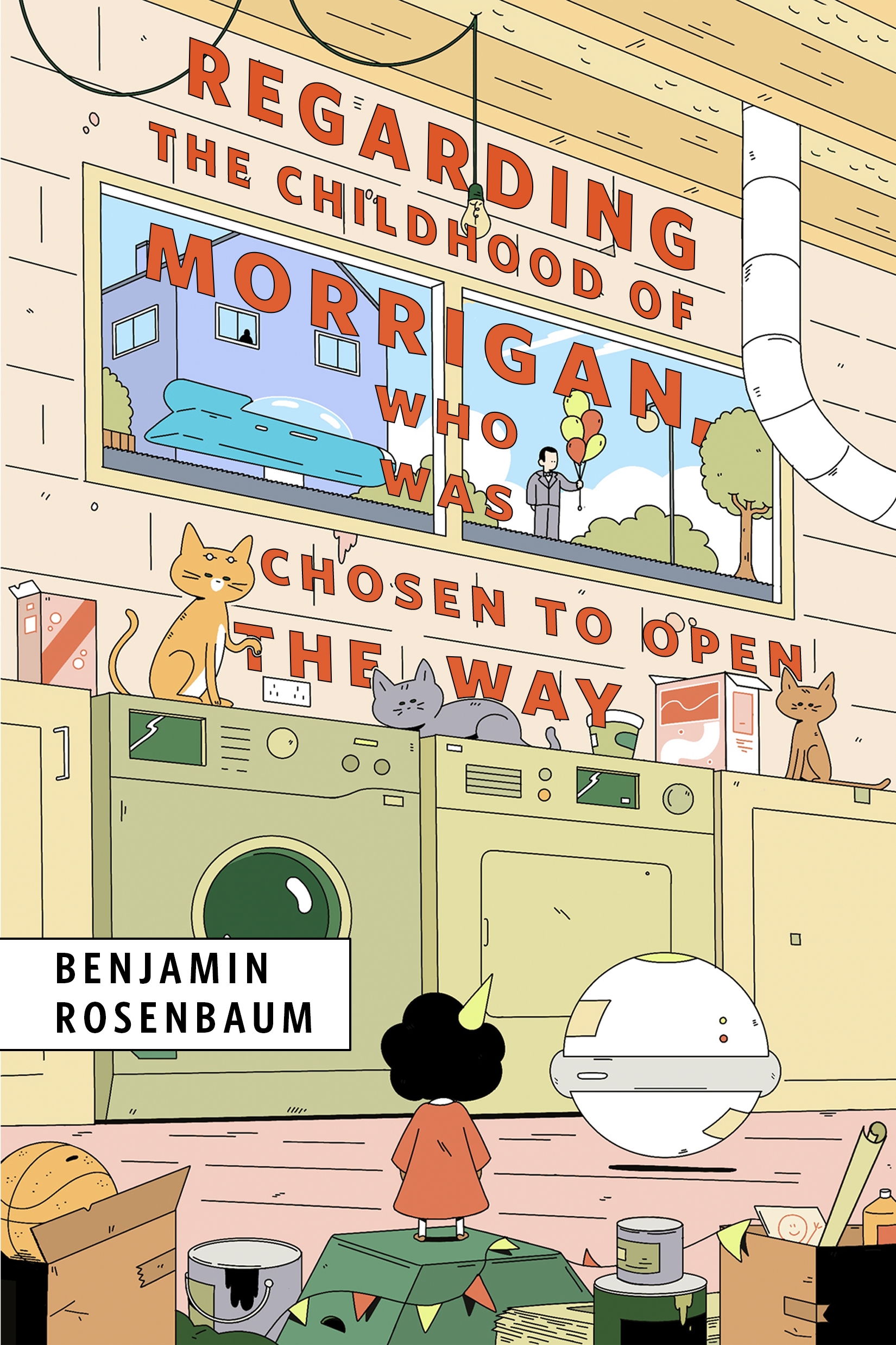
Regarding the Childhood of Morrigan, Who Was Chosen to Open the Way : A Tor Original by Benjamin Rosenbaum
A child who falls through the cracks in a world run by machines and politics, might be the savior of all humanity…
At the Publisher's request, this title is being sold without Digital Rights Management Software (DRM) applied.
About the Author
Benjamin Rosenbaum lives near Basel, Switzerland with his wife and children and, as of this morning, a cricket named Teep. You should drop by, though maybe not if your AER/CI is in an acute phase. His stories have been published in Nature, Harper’s, F&SF, Asimov’s, McSweeney’s, and Strange Horizons, translated into 23 languages, and nominated for Hugo, Nebula, BSFA, Locus, World Fantasy, and Sturgeon Awards.
Title: Regarding the Childhood of Morrigan, Who Was Chosen to Open the Way : A Tor Original
Author(s): Benjamin Rosenbaum
ISBN: 9781250411754
Copyright 2025
Release Date: November 19, 2025
Publisher: Tor Publishing Group
Countries: United States, Canada | Learn more about available countries
Language: English
Format: None available | Learn More about our supported formats
Dragonmount is a proud provider of DRM-free eBooks. By purchasing any eBook from our store, you are not only helping support our website, but you are helping small businesses thrive in a market traditionally dominated by large companies. Learn more in our eBook FAQ.
Product Reviews
There are no reviews to display.