Skip to content
View in the app

A better way to browse. Learn more.

Dragonmount

A full-screen app on your home screen with push notifications, badges and more.

To install this app on iOS and iPadOS
  1. Tap the Share icon in Safari
  2. Scroll the menu and tap Add to Home Screen.
  3. Tap Add in the top-right corner.
To install this app on Android
  1. Tap the 3-dot menu (⋮) in the top-right corner of the browser.
  2. Tap Add to Home screen or Install app.
  3. Confirm by tapping Install.
A group blog by 4th Age Podcast Team in General
  • Entries

    99
  • Comments

    74
  • Views

    19444

Contributors to this blog

About this blog

A Wheel of Time podcast celebrating the work of Robert Jordan and Brandon Sanderson

Entries in this blog

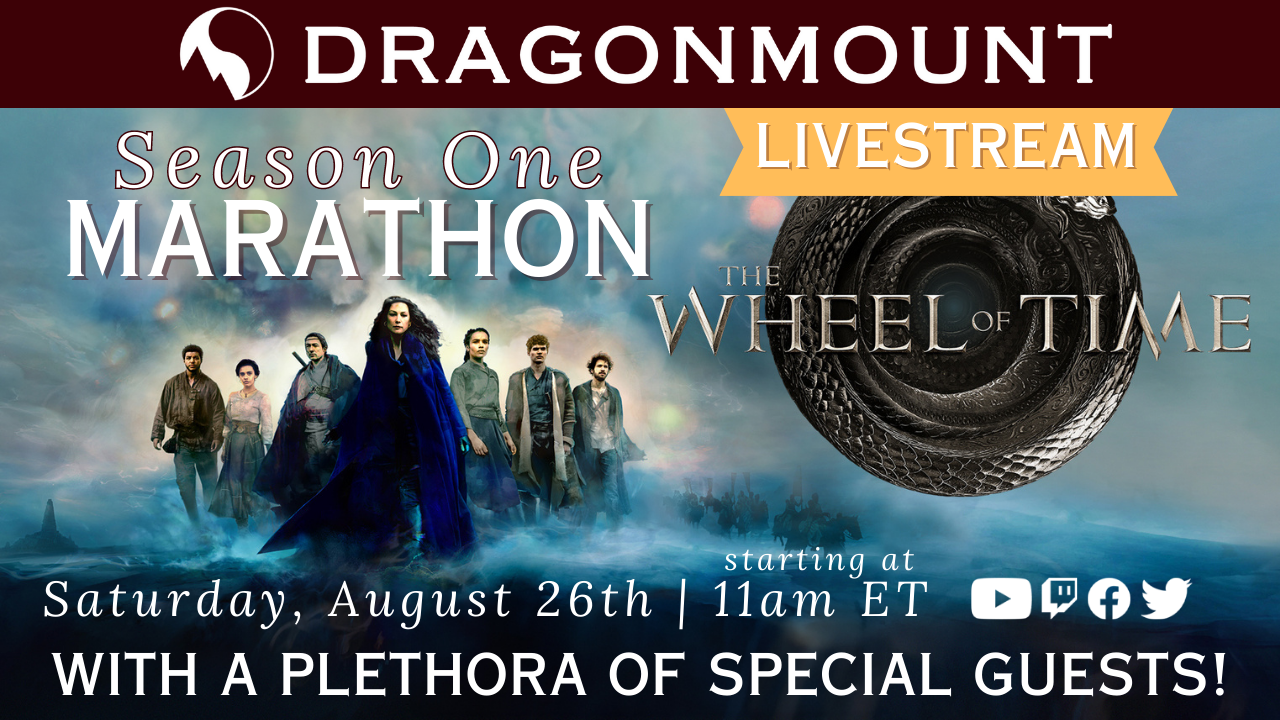
Greetings fellow WoToholics aka “Statistically the best” Fandom! First off we want to thank you from the peaks all the way to slopes of Dragonmount! Because…. 🐉✨   This past Saturday, our community came together for an non-stop squee inducing, 11-hour “Charity Livestream #reWoTch Marathon of The Wheel of Time S1”, and because you and ALL our fabulous guests. We overchanneled right past our fundraising goal bringing in over $2000 for the victims of the #MauiFires through the American Re
During our #reWoTch marathon charity livestream, we offered an epic prize- the chance to win a hardcover copy of The Great Hunt with show tie-in art AND a bookplate signed by Robert Jordan!   Part of the entry was to submit a poem inspired by Trolloc nipples, and the fandom did not disappoint.  Here are some of the entries we received- enjoy!   The crane flies eastward as battle plans are drawn. He leads the fighters onward toward the Malkier dawn. Tr
Get Ready to Rock the Wheel of Time #reWoTch Closet Cosplay Contest!   Hey there, Wheel of Time fans! It's time to dive into the fun and fabulous Closet Cosplay Contest during our charity stream marathon Aug 26th starting at 11am Eastern on our Twitch. We want you to dig deep and come up with a Wheel of Time themed cosplay. Whether you don an elaborate costume or turn everyday items into an epic ensemble, we can't wait to see your creative genius in action!   When to Strut Yo

Account

Navigation

Search

Search

Configure browser push notifications

Chrome (Android)
  1. Tap the lock icon next to the address bar.
  2. Tap Permissions → Notifications.
  3. Adjust your preference.
Chrome (Desktop)
  1. Click the padlock icon in the address bar.
  2. Select Site settings.
  3. Find Notifications and adjust your preference.