
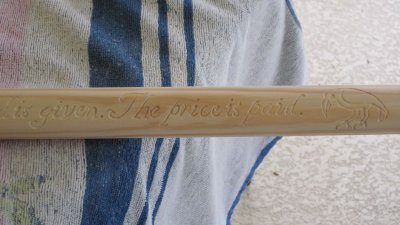
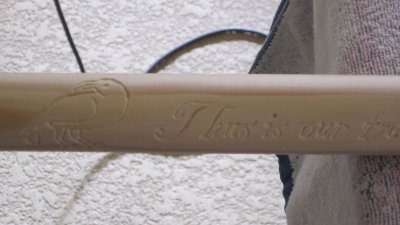
Dagger from Shadar Logoth - attempts 2 & 3
- 2518 views
- View peregrine al thor's images
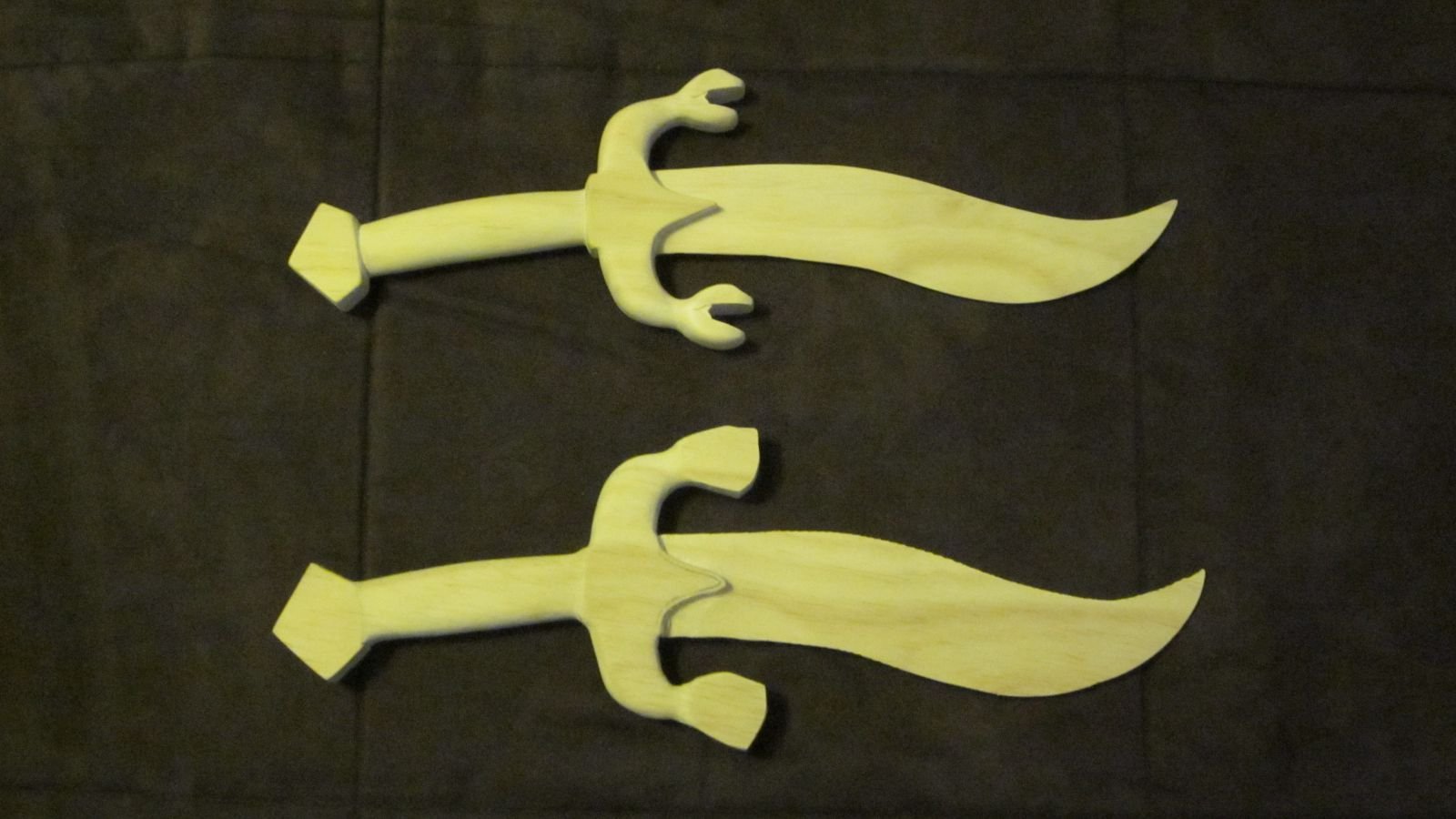
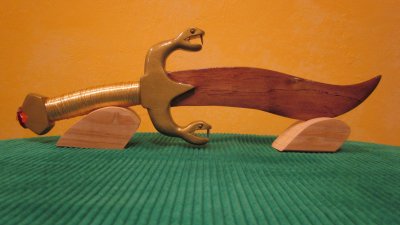
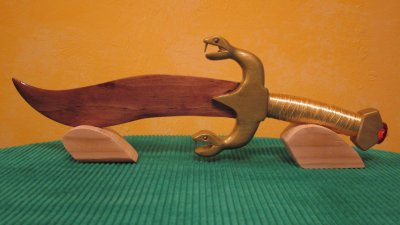
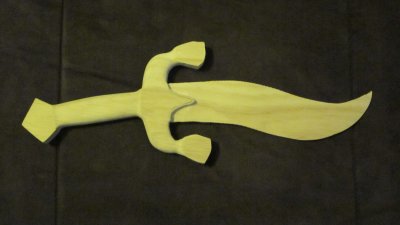
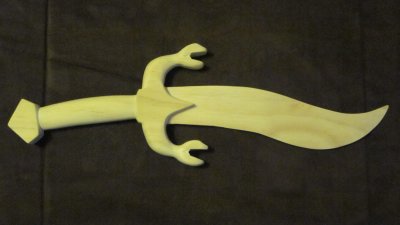
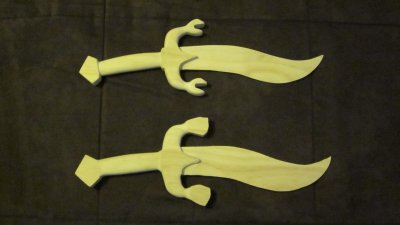
This is a pic of my 2nd and 3rd attempts at the dagger from Shadar Logoth. #2 is on top and is probably 70% complete. The hilt is much more rounded than my 1st attempt and won't show "corners" after the wire is applied. I did not remember that the snake heads needed to be redesigned until I had cut the mouth openings, unfortunately. The heads on #3 will be somewhat different, hopefully better and a bit more realistic.
Recommended Comments
Join the conversation
You can post now and register later. If you have an account, sign in now to post with your account.
Note: Your post will require moderator approval before it will be visible.