



Skip to content
View in the app

A better way to browse. Learn more.

Dragonmount

A full-screen app on your home screen with push notifications, badges and more.

To install this app on iOS and iPadOS
  1. Tap the Share icon in Safari
  2. Scroll the menu and tap Add to Home Screen.
  3. Tap Add in the top-right corner.
To install this app on Android
  1. Tap the 3-dot menu (⋮) in the top-right corner of the browser.
  2. Tap Add to Home screen or Install app.
  3. Confirm by tapping Install.

Borderlands Books

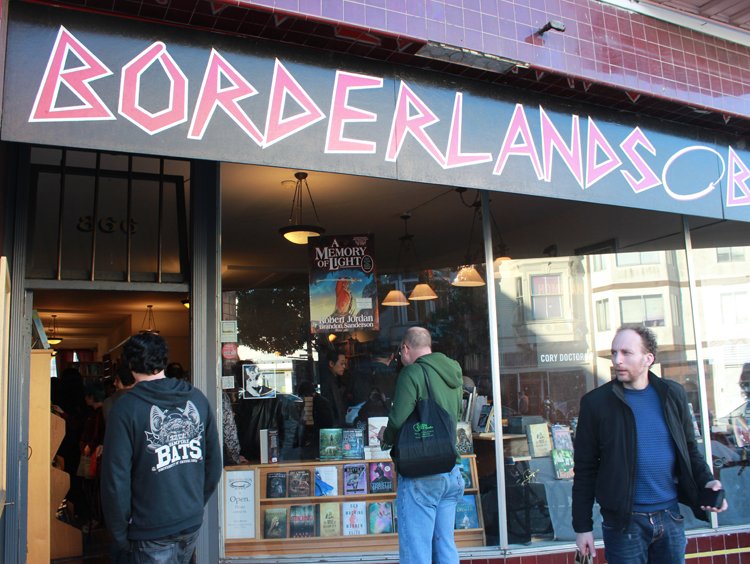
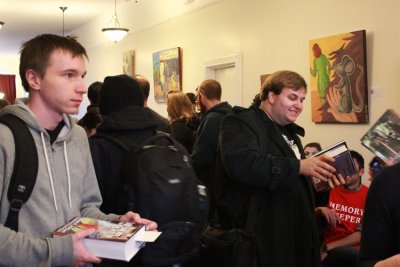
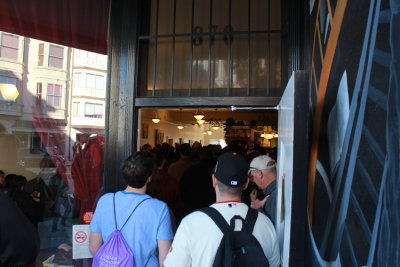
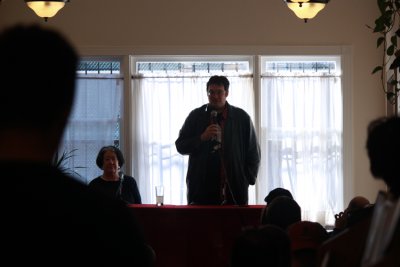
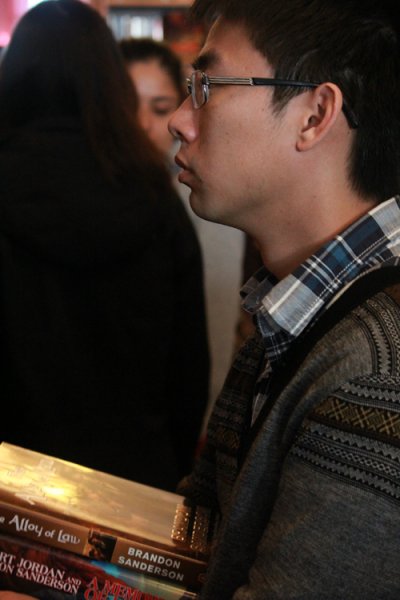
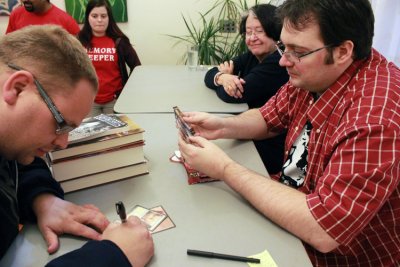
Borderlands Books on 866 Valencia Street in the Mission District of San Francisco was the perfect host. As the premier SF/F bookstore in the area, they regularly host author signings. If you're ever in the area, stop by! You can also visit their website directly for news and a calendar of upcoming signings: borderlands-books.com.

  • From the album:

    San Francisco Signing - 2/9/2013

    · 19 images

    Photo Information

    • Taken with Canon Canon EOS REBEL T3i
    • Focal Length 18 mm
    • Exposure Time 1/60
    • Aperture f/5.0
    • ISO Speed 160

    Account

    Navigation

    Search

    Search

    Configure browser push notifications

    Chrome (Android)
    1. Tap the lock icon next to the address bar.
    2. Tap Permissions → Notifications.
    3. Adjust your preference.
    Chrome (Desktop)
    1. Click the padlock icon in the address bar.
    2. Select Site settings.
    3. Find Notifications and adjust your preference.