
Skip to content
View in the app

A better way to browse. Learn more.

Dragonmount

A full-screen app on your home screen with push notifications, badges and more.

To install this app on iOS and iPadOS
  1. Tap the Share icon in Safari
  2. Scroll the menu and tap Add to Home Screen.
  3. Tap Add in the top-right corner.
To install this app on Android
  1. Tap the 3-dot menu (⋮) in the top-right corner of the browser.
  2. Tap Add to Home screen or Install app.
  3. Confirm by tapping Install.

jonsnow84

Member
  • Joined

  • Last visited

About Me

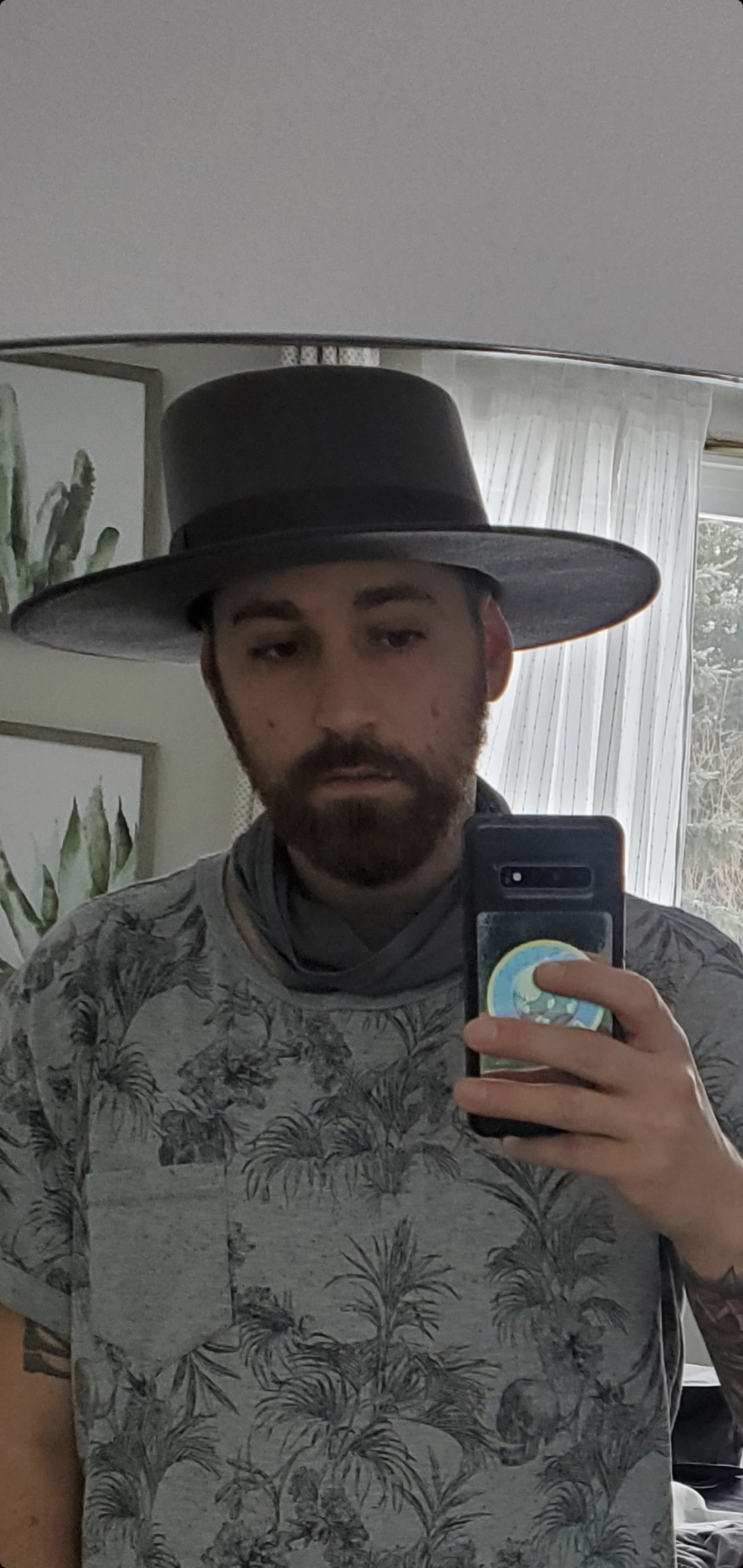
I have been an avid reader my entire life, it all started because I would often be grounded as a kid. So I became a absolute power reader. So I would go about my shenanigans and if caught the only consequence was I was forced to read in my room so life was good. I discovered WOT in '97 and became obsessed. Since then every new book I have reread the entire series, such is my love for the WOT. I have original prints of his work as Raegan O'Neal and Jackson O'Reilly. I of course have his Conan works as well, I even have a few WOT tattoos. I joined as a member in '11 but have not been overly active. 

Account

Navigation

Search

Search

Configure browser push notifications

Chrome (Android)
  1. Tap the lock icon next to the address bar.
  2. Tap Permissions → Notifications.
  3. Adjust your preference.
Chrome (Desktop)
  1. Click the padlock icon in the address bar.
  2. Select Site settings.
  3. Find Notifications and adjust your preference.