

Skip to content
View in the app

A better way to browse. Learn more.

Dragonmount

A full-screen app on your home screen with push notifications, badges and more.

To install this app on iOS and iPadOS
  1. Tap the Share icon in Safari
  2. Scroll the menu and tap Add to Home Screen.
  3. Tap Add in the top-right corner.
To install this app on Android
  1. Tap the 3-dot menu (⋮) in the top-right corner of the browser.
  2. Tap Add to Home screen or Install app.
  3. Confirm by tapping Install.

Maera

Member
  • Joined

  • Last visited

About Me

Hello there,

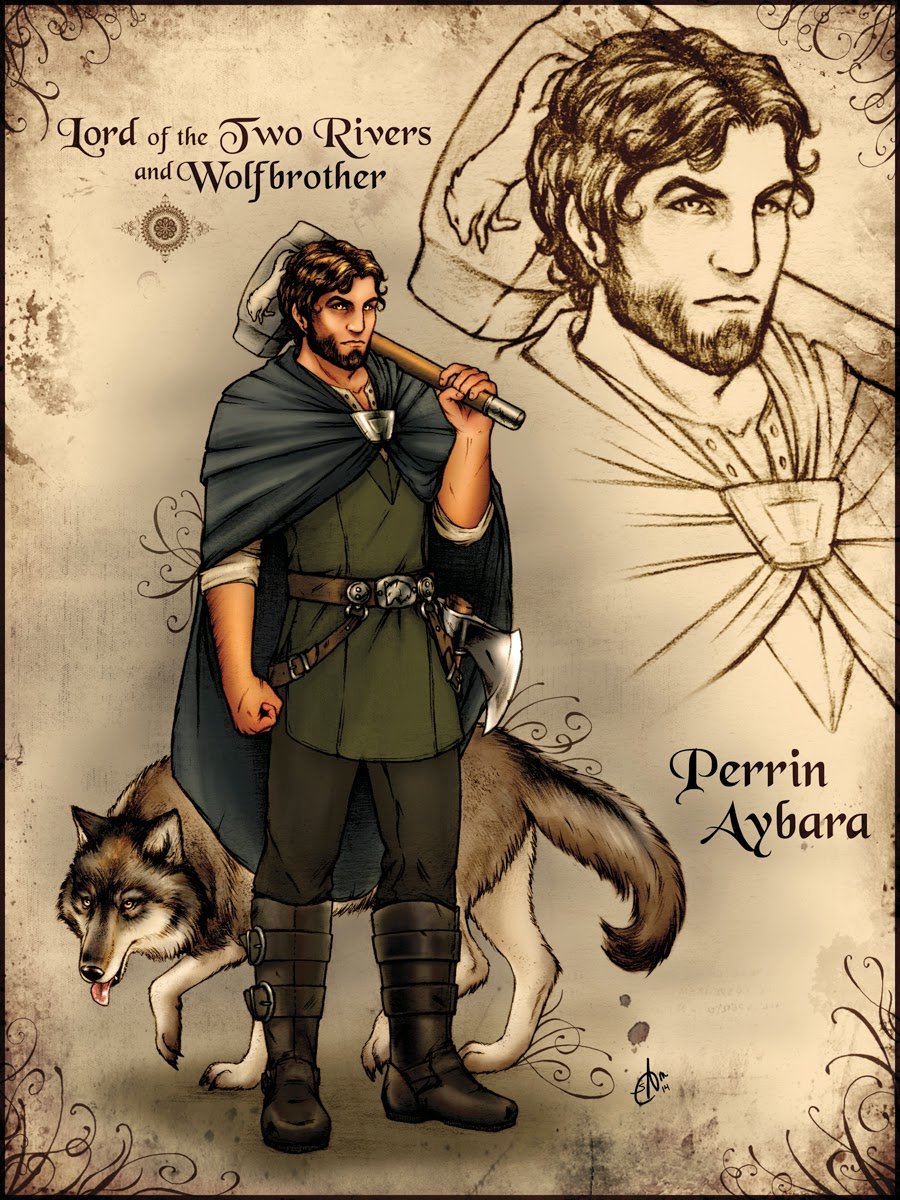
you have stumbled upon my profile page, my name on dragonmount is Maera, and in the real world I go by April and reside in Australia with my very own Perrin (complete with broad shoulders and years of hammer usage). Pleased to meet you and generally happy to communicate with other DM members. Currently on my first read of WOT currently at number eight (I will forget to update this) and it has brought a whole new shade of colour to my world. Looking forward to interacting with you all (please be respectful and not too upfront and I will do likewise).


Account

Navigation

Search

Search

Configure browser push notifications

Chrome (Android)
  1. Tap the lock icon next to the address bar.
  2. Tap Permissions → Notifications.
  3. Adjust your preference.
Chrome (Desktop)
  1. Click the padlock icon in the address bar.
  2. Select Site settings.
  3. Find Notifications and adjust your preference.