


Skip to content
View in the app

A better way to browse. Learn more.

Dragonmount

A full-screen app on your home screen with push notifications, badges and more.

To install this app on iOS and iPadOS
  1. Tap the Share icon in Safari
  2. Scroll the menu and tap Add to Home Screen.
  3. Tap Add in the top-right corner.
To install this app on Android
  1. Tap the 3-dot menu (⋮) in the top-right corner of the browser.
  2. Tap Add to Home screen or Install app.
  3. Confirm by tapping Install.

troyus23

Member
  • Joined

  • Last visited

About Me

A hunter-ranger of ignoble birth, coming from the lands of Jim Thorpe, Belle Starr, Will Rogers, and Woody Guthrie. I have few talents but a big heart and bigger imagination. My youthful mind was shaped by Ray Bradbury, J.R.R.Tolkien, Edgar Alan Poe, Wendy & Richard Pini & Dr Who.

I would find my way from Robert Heinlein to Roger Zelazny through Charles de Lint to the dystopia of Phillip K.Dick & William Gibson. I am late coming to the Two Rivers  & Tar Valon but, I made it! 

Yes, I played D&D and I have faced Vecna in real combat !
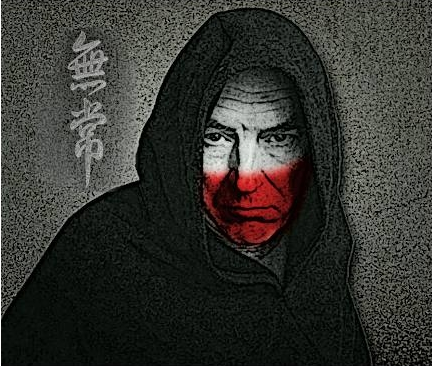
impermanennce.png

Account

Navigation

Search

Search

Configure browser push notifications

Chrome (Android)
  1. Tap the lock icon next to the address bar.
  2. Tap Permissions → Notifications.
  3. Adjust your preference.
Chrome (Desktop)
  1. Click the padlock icon in the address bar.
  2. Select Site settings.
  3. Find Notifications and adjust your preference.