Skip to content
View in the app

A better way to browse. Learn more.

Dragonmount

A full-screen app on your home screen with push notifications, badges and more.

To install this app on iOS and iPadOS
  1. Tap the Share icon in Safari
  2. Scroll the menu and tap Add to Home Screen.
  3. Tap Add in the top-right corner.
To install this app on Android
  1. Tap the 3-dot menu (⋮) in the top-right corner of the browser.
  2. Tap Add to Home screen or Install app.
  3. Confirm by tapping Install.

Wheel of Time: Season 1

"There are neither beginnings or endings to the turning of the Wheel of Time. But it was a beginning..."

The Wheel of Time TV show

Season 1 Episode List
All episodes stream on Amazon Prime Video.

  Title Writer(s) Director(s) Air Date
101:   Leavetaking Rafe Lee Judkins Uta Briesewitz November 19, 2021
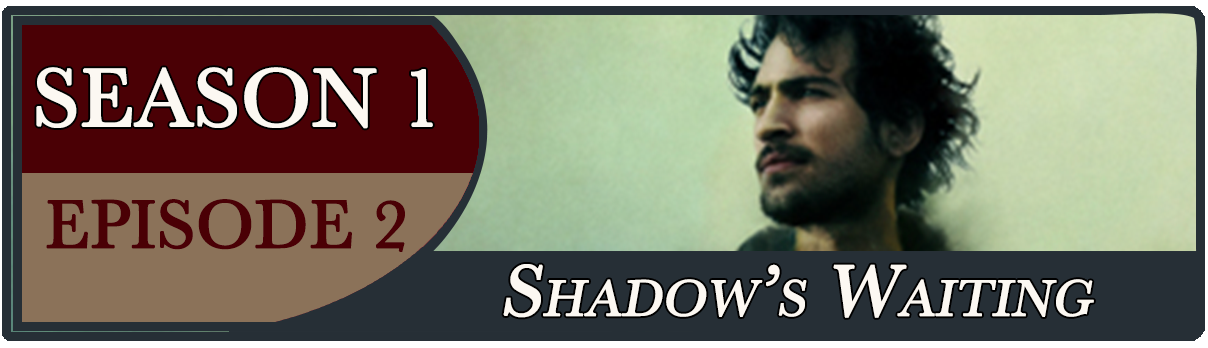
102:   Shadow's Waiting Amanda Kate Shuman Uta Briesewitz November 19, 2021
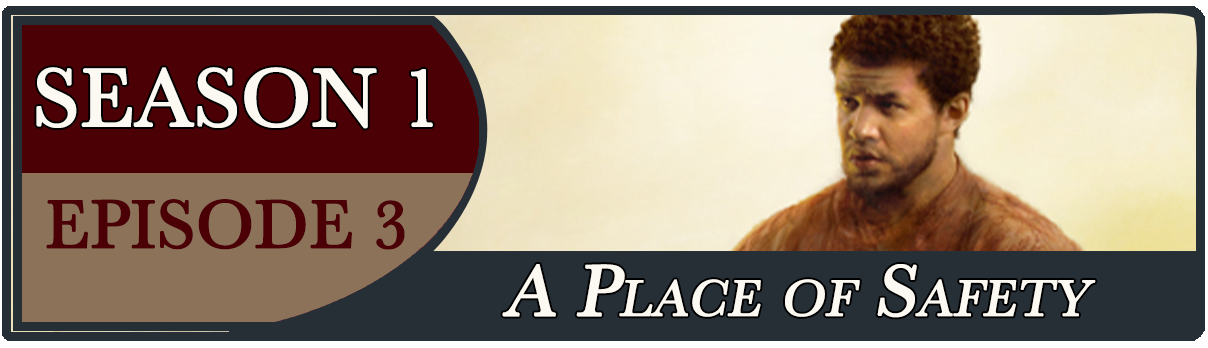
103:   A Place of Safety Paul Clarkson & Michael Clarkson Wayne Yip November 19, 2021
104:   The Dragon Reborn Dave Hill Wayne Yip November 26, 2021
105:   Blood Calls Blood Celine Song Salli Richardson Whitfield December 3, 2021
106:   The Flame of Tar Valon Justine Juel Gillmer Salli Richardson Whitfield December 10, 2021
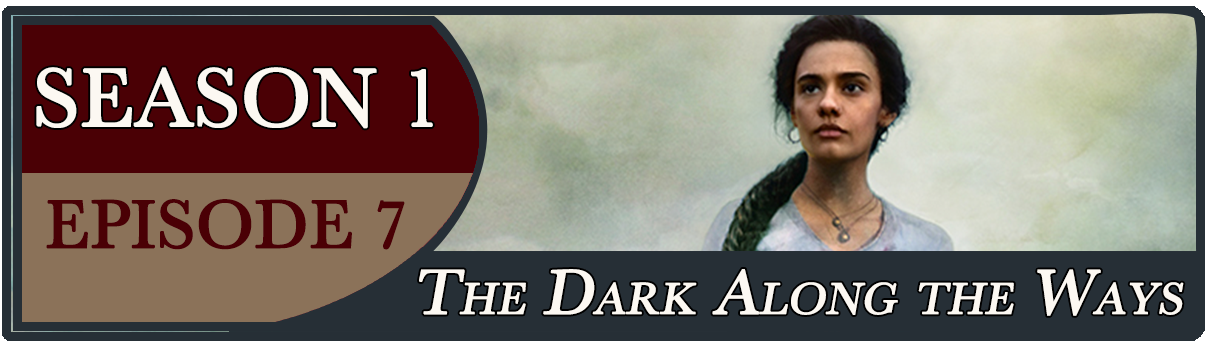
107:   The Dark Along the Ways Amanda Kate Shuman & Katherine B. McKenna Ciaran Donnelly December 17, 2021
108:   The Eye of the World Rafe Lee Judkins Ciaran Donnelly December 24, 2021

Stream Season 1 Now

Season 1 Streaming Schedule


All Season 1 Episodes

S1, E1: Leavetaking S1, E2: Shadow"s Waiting S1, E3: A Place of Safety S1, E4: The Dragon Reborn S1, E5: Blood Calls Blood S1, E6: The Flame of Tar Valon S1, E7: The Dark Along the Ways S1, E8: The Eye of the World


Related Links

Wheel of Time cast

Wheel of Time Season 1 episodes

Season 1 Images and Media

Season 1 Directors

Wheel of Time TV forum

ALl Wheel of Time TV show News

Account

Navigation

Search

Search

Configure browser push notifications

Chrome (Android)
  1. Tap the lock icon next to the address bar.
  2. Tap Permissions → Notifications.
  3. Adjust your preference.
Chrome (Desktop)
  1. Click the padlock icon in the address bar.
  2. Select Site settings.
  3. Find Notifications and adjust your preference.