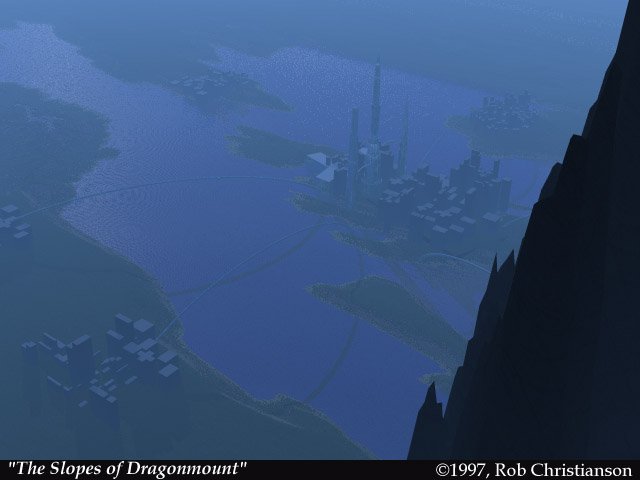
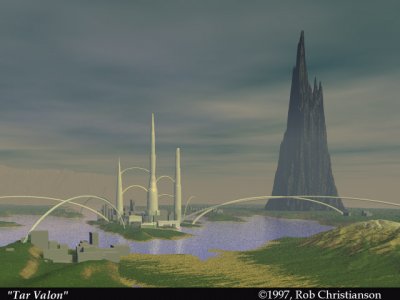
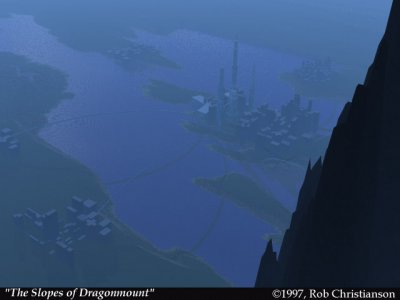
Based on my 3D image of Tar Valon, I placed a camera within the scene far up on the slopes of Dragonmount, overlooking the city. I changed the environment to a dark clear night to add mystery. I love the lighting in this image.
You can post now and register later.
If you have an account, sign in now to post with your account.
Note: Your post will require moderator approval before it will be visible.



Recommended Comments
Join the conversation
You can post now and register later. If you have an account, sign in now to post with your account.
Note: Your post will require moderator approval before it will be visible.