


The Seals Are Breaking (New)

- 2183 views
- View robchristianson's images
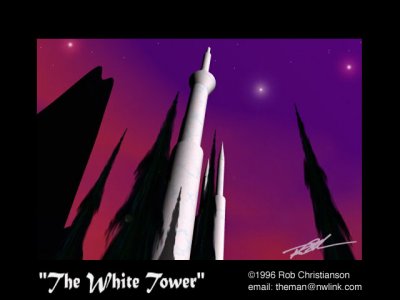
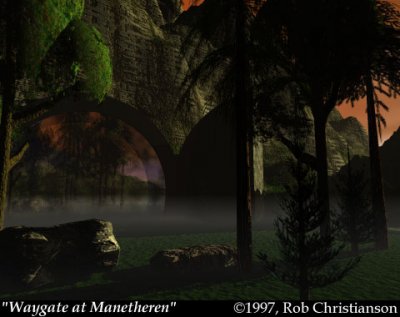
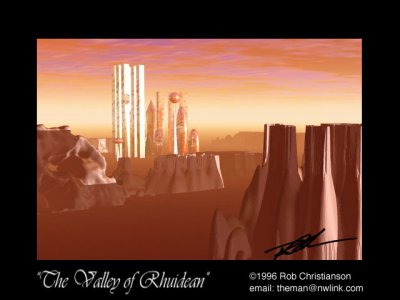
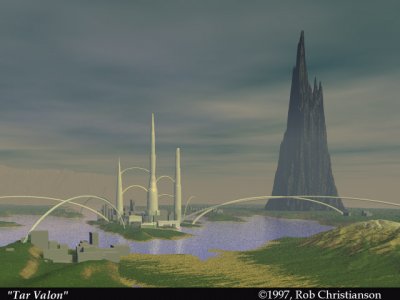
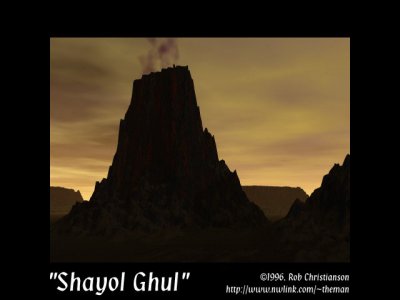
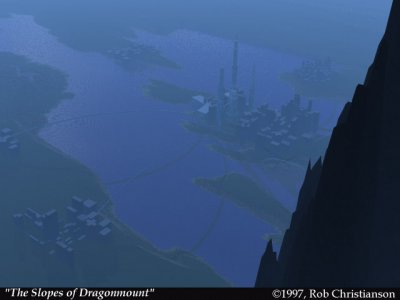
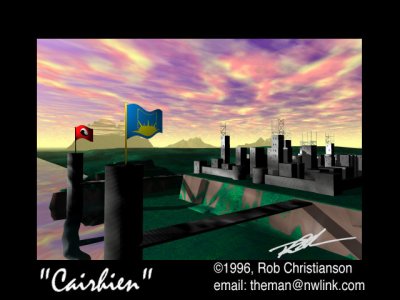
In 2009 I received a request for prints of some of my favorite images, by the girlfriend of a huge WOT fan. In order to create print-sized Hi-resolution versions, I had to go back to the original wireframes, hoped they worked in the latest version of the software, import and re-render them, adjusting for changes in technology and basically re-learn how to use Bryce after about 10 years.
This is the latest version of the image.
Copyright
© Rob Christianson
Recommended Comments
Join the conversation
You can post now and register later. If you have an account, sign in now to post with your account.
Note: Your post will require moderator approval before it will be visible.